
A small, visible landing spot beats willpower when you want a calmer evening without turning your living room into a no-fun zone.
Put phones in a shared basket
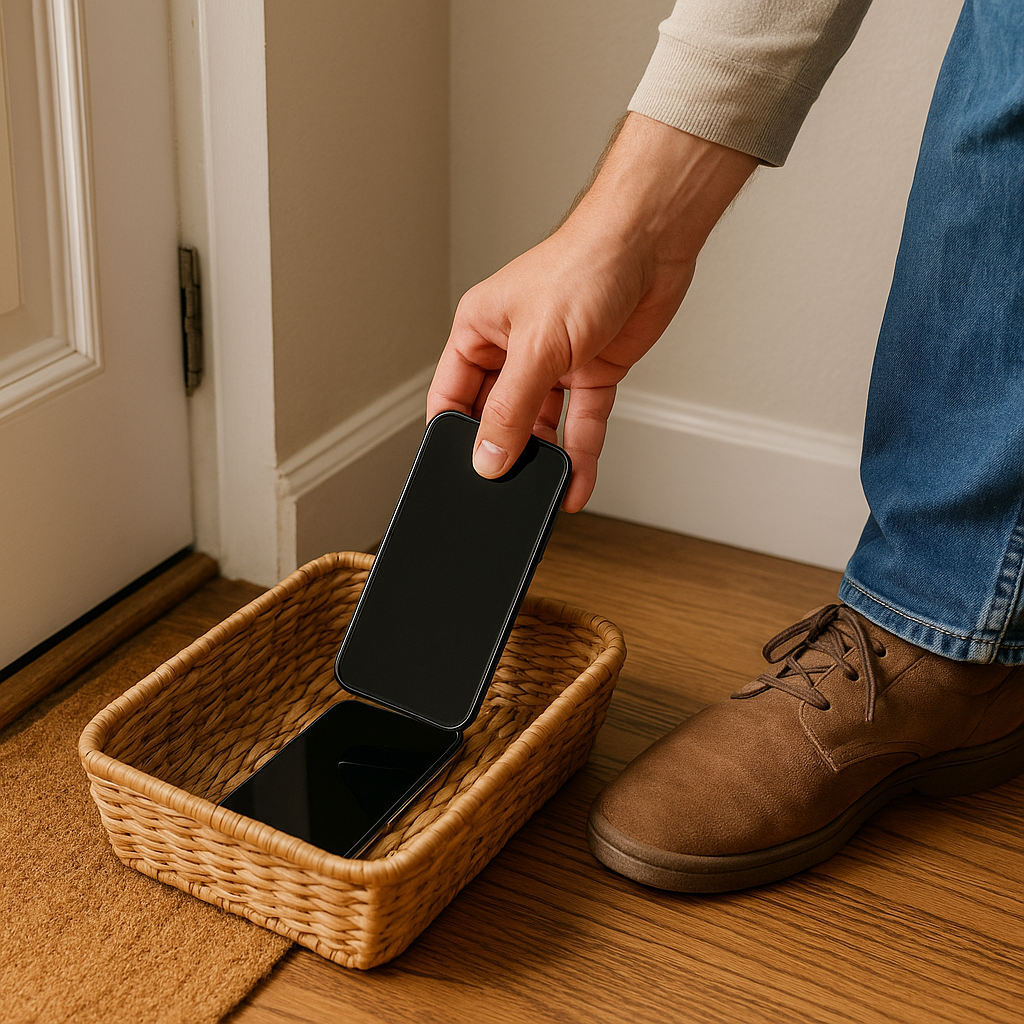
We tried the dramatic version first: kitchen drawer, speeches, big promises, and then somebody would "just check one thing," and the whole night would slide into separate scrolling. What finally stuck was embarrassingly unglamorous. I put a low shoe basket right by the entry mat, the kind you can carry with one hand, and it became the place where phones land when we walk in the door.
The reason it helps is simple: putting the phone in a specific place makes it easier to leave it alone. Walking in, setting down keys, kicking off shoes, you get that tiny pause, and your body reaches for the rectangle it knows. The basket makes the choice automatic. If my phone is already in the basket, I'm less likely to pick it up without thinking.
Two details matter. First, keep the basket open and shallow so you can see every screen face-up without rummaging. Rummaging turns into checking. Second, make it a shared spot. A single person "doing a detox" reads like a project, and it gets annoying fast. Once both adults started using the same spot, it felt less like a rule for one person and more like something we were both doing.
We still use our phones later, but this creates a clean seam between outside life and home life. We often end up talking in the hallway while taking off our shoes. That hallway talk is short, messy, and practical, and it keeps us on the same team before dinner decisions start.
Use a two-minute check-in to plan the evening

If you only remove the phones, it can be easy for everyone to reach for them again. What helped us was a two-minute check-in after the phones hit the basket and before we started doing anything else.
It sounds like this: "What are we protecting tonight?" One of us answers with something concrete. "I want a low-key dinner." "I want to hear about your day without multitasking." "I want 20 minutes where nobody asks me anything." Then the other person says their version, and we pick the overlap. We don't negotiate for half an hour. We don't try to solve everything. We just name what would make the evening easier.
I like this question because it points the conversation at the relationship. When we tried no phones after 6, it turned into rule-lawyering. Is music on Spotify on a phone? What about a recipe? What about one quick text to your sister? This question skips all that and goes straight to intent. If the goal is a low-key dinner, checking a recipe is different from sitting down and scrolling. If the intent is adult conversation, then leaving the phone in the basket makes sense without anybody being the hall monitor.
We keep it short by using the microwave's timer. Two minutes is long enough to say something honest, and short enough that nobody feels trapped in a meeting. If the day has been rough, this question also catches the landmines early. Somebody will say, "I can't do small talk tonight," and that's useful information. It changes what we plan. It also prevents the classic misread where one person thinks the other is being cold when they're just depleted.
Once you have the overlap, you can choose what downtime looks like: board game, a walk, cooking together, sitting on the couch, and talking with the TV off. The point is that you both agreed on what you're trying to protect before the night gets away from you.
Turn off notifications
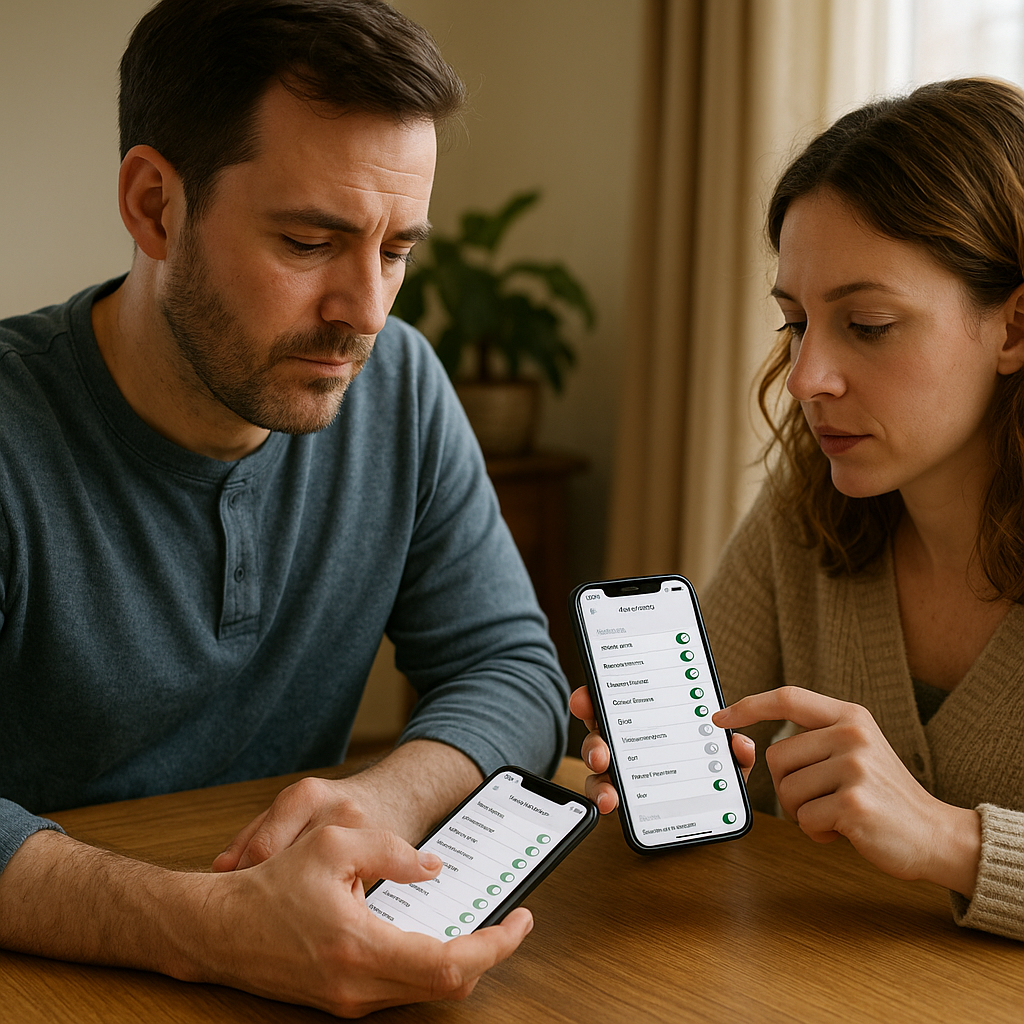
When people talk about digital detox, they usually jump to airplane mode like it's a personality trait. That didn't work for us because we still need a few things to get through a normal day: a school message, a calendar ping, and a call from a parent. What did work was a one-time notification cleanup that creates downtime without creating a new problem to solve at 8 a.m.
We did it sitting at the table, both phones out, like a mildly boring date. Start in the phone's notification settings (On iPhone, start in Settings > Notifications. On Android, the exact path can vary by phone, but notification controls are generally under Settings > Notifications). Then go app by app and pick one of three outcomes: allowed to interrupt, allowed silently, or off. The useful part is noticing which notifications actually pull your attention away from the people around you. For me, it's anything with a red badge number. Once I see a badge, my brain starts counting. So I turned off badges for everything except messages from a short list of people. For my partner, it was news and sports alerts that were supposedly harmless. They made it harder for me to stay focused on the conversation.
Keep the allowed-to-interrupt list tiny. Everything else can wait. If you use Slack or Teams, don't pretend you can quit them at 5:00 with willpower alone. Set a schedule. Both iOS Focus and Android Do Not Disturb can allow exceptions and set time windows. We set ours to start after dinner. It stops the random pings that pull your attention out of a conversation mid-sentence.
This is also where we handled the sneaky stuff: email previews on the lock screen. If I can read the subject line, I'm mentally at work. So previews are off. If something is urgent, it can be a call. Most of the time, I can deal with those messages later, so I don't need to see them during dinner.
After the cleanup, the phone basket became easier to use because there were fewer notifications pulling us back to the phones. The room felt calmer. We were making it easier to direct our attention elsewhere.