
One physical spot, one timer, one shared log: the setup that lets kids manage their own screen time without turning you into the app police.
Move the control point to the router, not their phone
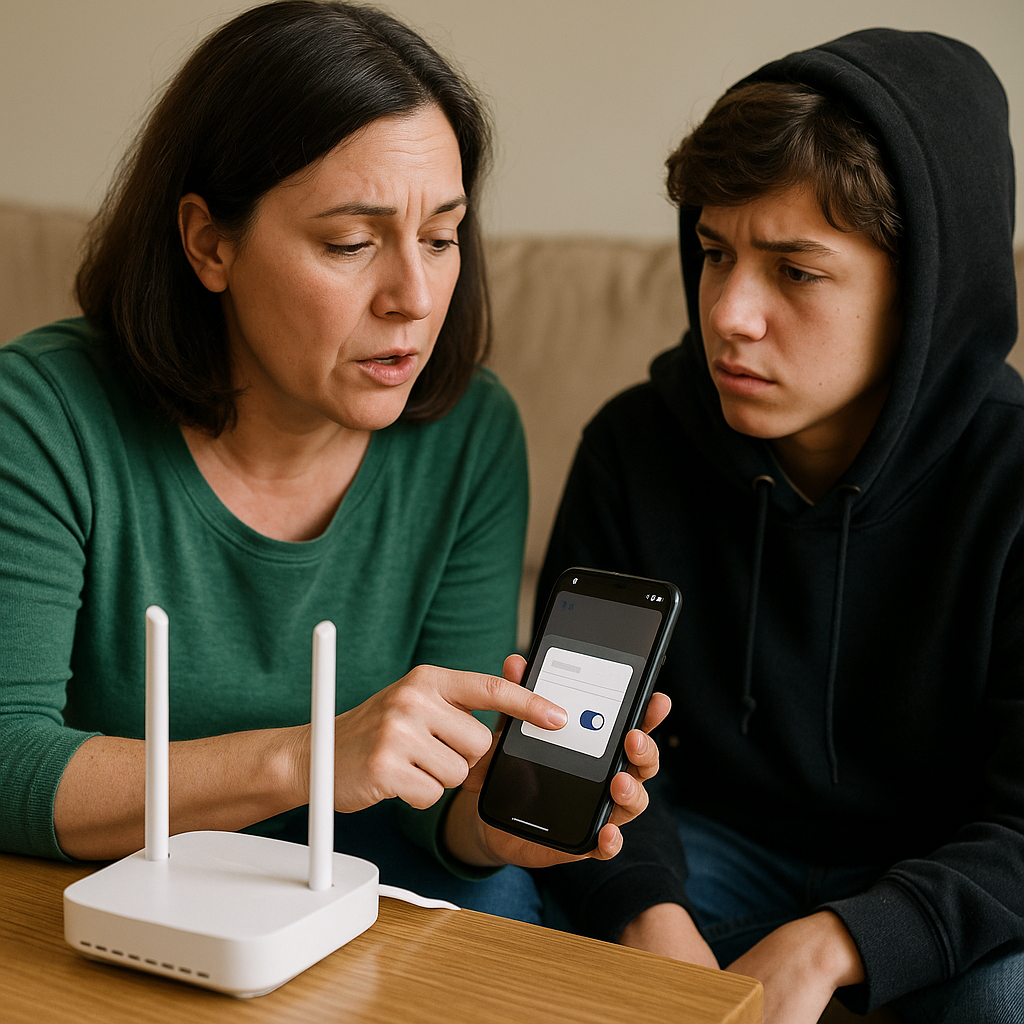
I got tired of the same argument wearing a different hoodie: "I was just finishing," "my friend needed me," it's for school. If the limit lives on their iPhone Screen Time settings, you end up in the gross role of password keeper, detective, and judge. It turns you into the person they negotiate with, instead of a household routine they learn to steer.
The shift that finally helped in our house was making the router the control point. Not because I'm trying to lock everything down, but because the boundary becomes boring and consistent. Most families already have a mesh system or a router app (Eero, Google Nest WiFi, Netgear Nighthawk, ASUS). In the app, you create a profile for each kid, then assign their devices to it: the Nintendo Switch, the school Chromebook, the old iPad they use for YouTube, the PS5. Yes, it takes a few minutes and you'll have to hunt in Settings for the device name and MAC address. Do it on a night when nobody's hovering.
Then set two things: a bedtime pause for entertainment devices, and a separate allowance for the school machine if you need it. The point isn't perfection, it's clarity. When Wi-Fi pauses at 9:30, it pauses at 9:30 whether I'm in the kitchen, at pickup, or half-asleep. And because the toggle is in one place, you can hand over some of the autonomy without handing over the whole lock. I told my kid, straight up: you can ask for extra time, but you have to tell me what for before you start, not after you get caught. That one little rule changes the tone. It stops the last-minute courtroom speech and forces a plan.
If you're worried about emergencies, keep calling and texting available through cellular. The goal isn't to strand them. It's to stop the late-night spiral where one more video quietly turns into a 45-minute algorithm hostage situation.
A kitchen timer beats a lecture, especially for one more
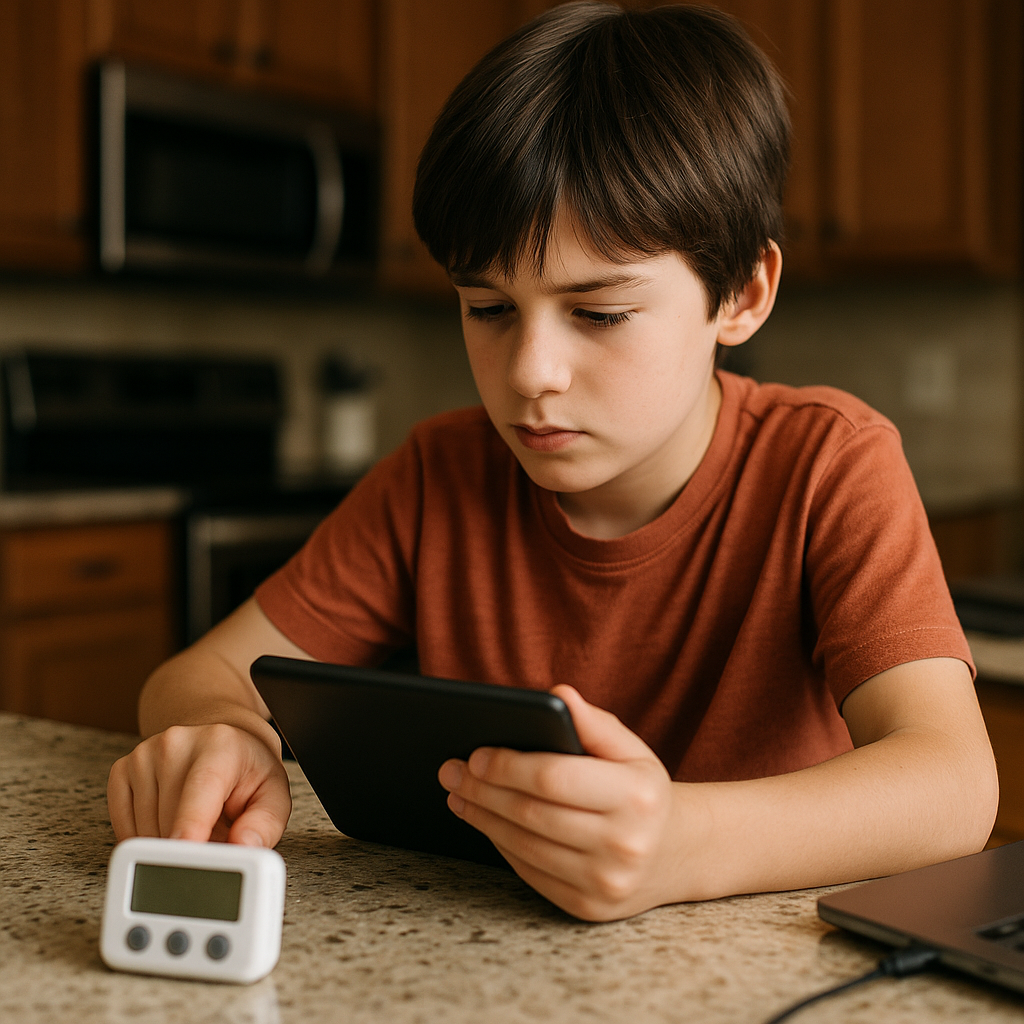
Here's the thing I didn't expect: the hardest part of screen time isn't the total minutes, it's the transition. The get off moment. When I tried to handle that with warnings (10 minutes, 5 minutes, 2 minutes), my kid heard it as me revving up for a fight. Also, I got sick of being the human countdown clock.
So I stole an idea from my own kitchen. I put a physical timer on the counter where everyone can see it, and I stopped narrating. You can use a Time Timer if you like the red wedge, but a basic $10 digital timer is fine, and your phone timer works if it doesn't become its own distraction. The rule is simple: if you're using a screen for fun, you set the timer before you start. Not after you're hooked. Before. They choose the amount, and you can give a range if you're not ready for full freedom yet (20 minutes after homework, or 45 minutes on Saturday afternoon). Once the timer starts, nobody argues about what time it is. The beep is the bad guy.
The part that makes it autonomy-building, not just a new gimmick, is what happens at the beep. I don't demand an immediate drop like I'm running a prison yard. I ask for a parking move and we practiced it like it was a skill: save the game, finish the round, put the controller on the charging dock, plug in the iPad, close the laptop lid. It's mundane, but it creates a ritual that ends use cleanly. My kid started doing it without me hovering because it keeps their stuff from getting lost and it keeps the game from punishing them for quitting mid-match.
One more detail that matters: I keep the timer in the same spot as the charging station. If devices have a home, putting them away is a motion, not a moral decision. You'll still get the occasional sigh and flop, but you won't have to negotiate with an app's endless scroll. And when they want more time, they can ask, set a second timer, and live with the amount they picked. Watching a kid choose 12 minutes instead of begging for infinity is oddly satisfying.
The 3-line screen log that keeps you out of cross-examination
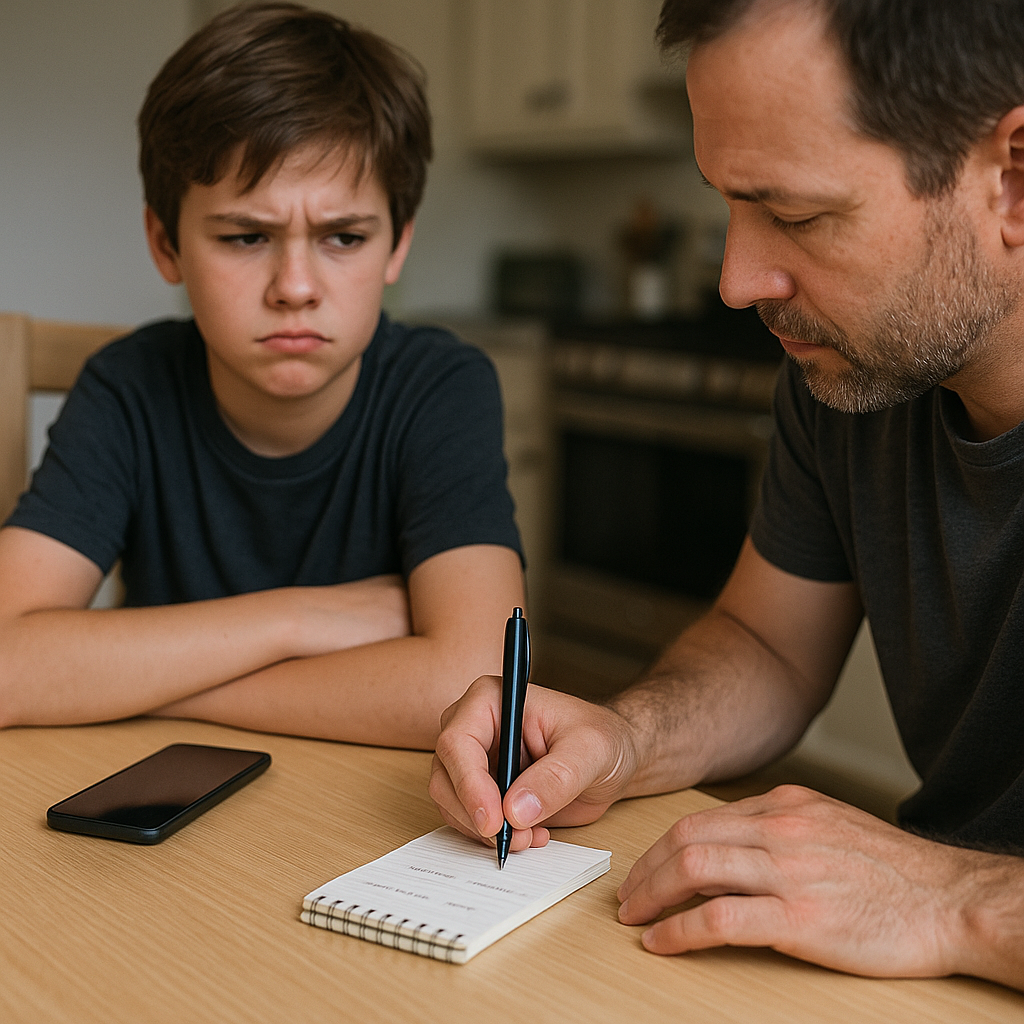
If you have more than one kid, or two adults sharing enforcement, screen limits can turn into courtroom work fast. Somebody says you let them play later yesterday. Somebody else swears they were only on YouTube for 15 minutes. You start doubting your own memory, and then you do the worst thing: you escalate, because you feel played.
I don't want to live like that, so we use a tiny, boring screen log. Not a spreadsheet. Not a lecture. Three lines, max, written on a notepad that lives in the same drawer as the charging cables. Each entry is:
- What: Fortnite, Netflix, YouTube, FaceTime, Roblox, Switch
- How long: the number they chose for the timer
- Why: fun, decompress after practice, talk to friends, school project
That's it. If it feels like a lot, start with just weekends. The point isn't surveillance, it's reducing the fog that makes everyone mad. When my kid asks for extra time, they write another line. When the next day rolls around and they argue that they barely got any time, we don't get stuck in I feel versus I remember. We look at the page. It's not perfect, but it makes the conversation more about planning and less about winning.
The other sneaky benefit is that kids start noticing their own patterns. Mine realized they always asked for screens right after getting home, even on days they were starving and snappy. So we made a small deal: snack first, then decide. Not because snacks are magical, but because a hungry kid will pick the loudest, fastest dopamine option every time.
Keep it low-drama. Don't annotate it with commentary. Don't use it as evidence in a sentencing hearing. It's a household memory aid, like jotting down which day the trash goes out. When the log works, you can loosen things in specific ways (a longer block on Friday, a shorter one on test week) without triggering the chaos that makes you clamp down again.