
Three hands-on ways to set media limits kids can't wiggle out of, at home and with school devices.
The Timer Script That Ends the Endless Arguing
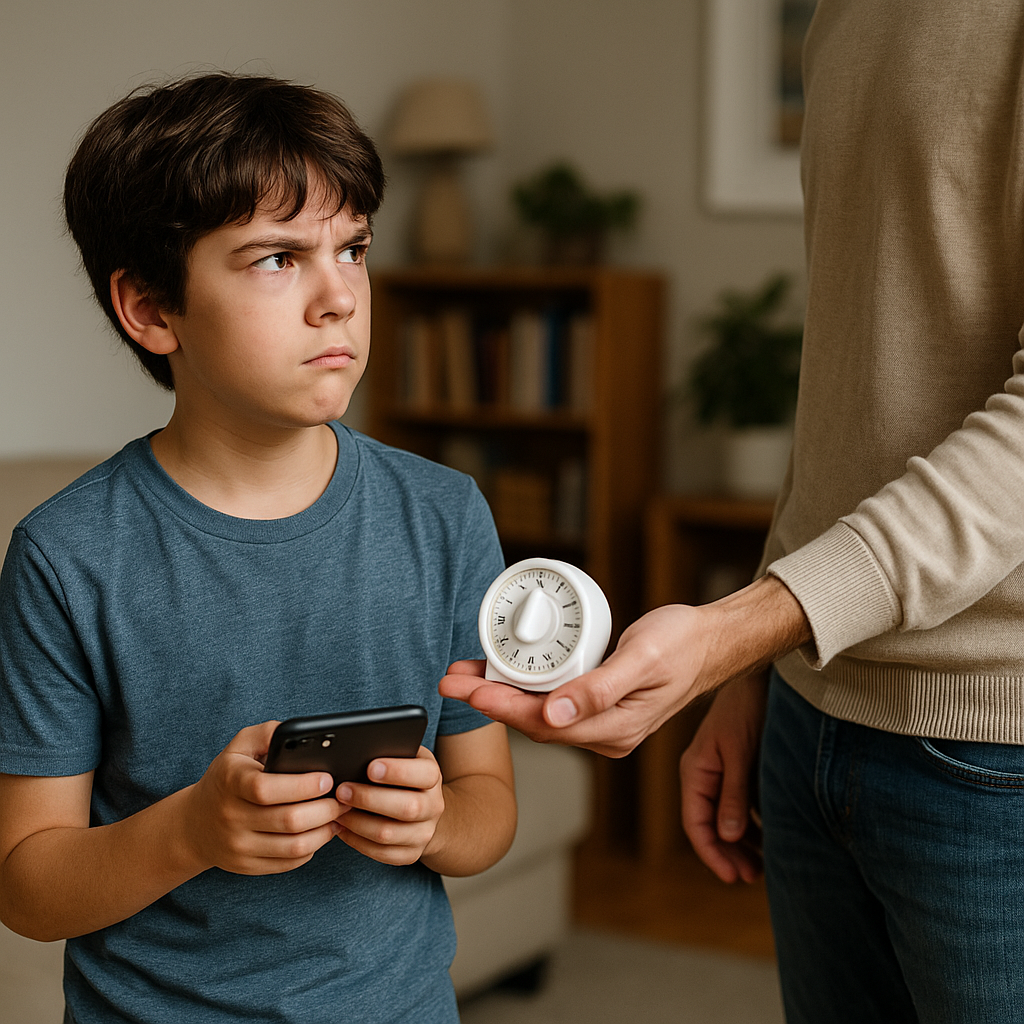
I started getting traction on digital media limits the day I stopped talking so much. Not more explaining, not better reasoning, not a longer speech about dopamine. Just a script, said the same way every single time, plus a timer that did the dirty work. Because when kids are testing rules, they will absolutely test your tone. If you sound negotiable, they treat the limit like an opening bid.
Here is the script I use, word for word: "You can have 20 minutes. When the timer beeps, you hand it over. You don't have to like it." Then I set a timer they can hear. I like a dumb, loud kitchen timer, but the iPhone Clock app works too if you keep it visible and don't wander off. The key is that the timer is not hidden in your pocket. Hidden feels like trickery, and trickery invites a courtroom cross-exam.
Two details matter more than the number of minutes. First, I give a clean choice at the start: "Do you want to start your 20 minutes now, or after you eat?" They get autonomy without getting to rewrite the rule. Second, I do not do a running commentary for the last five minutes. I give one heads-up at the halfway point and one at two minutes. That's it. If you keep announcing every minute, you accidentally teach them that the countdown is a conversation.
When the timer beeps, I say one line and move my body: "Time. Hand it to me." I stand with my hand out, like I'm taking a library book. Neutral face. If they stall with, "I'm in the middle of a level," I don't debate the level. I point at the timer and repeat, "Time. Hand it to me." The first few days are messy. Expect some drama, and plan for it to happen at the least convenient moment. But once your kid realizes you don't improvise, the testing gets boring for them. Boring is good.
The Home Charging Dock That Stops Sneaky Second Sessions
I don't care how trustworthy your kid is, or how convinced you are that they only use their iPad for math facts. If the device charges in their bedroom, you are basically daring a curious brain to see what happens after lights-out. And when rules are already being tested at home and school, the bedroom device is the easiest experiment: one quiet swipe, one extra YouTube Short, one more round of Roblox, and suddenly you're negotiating at 9:47 p.m. while trying not to wake a sibling.
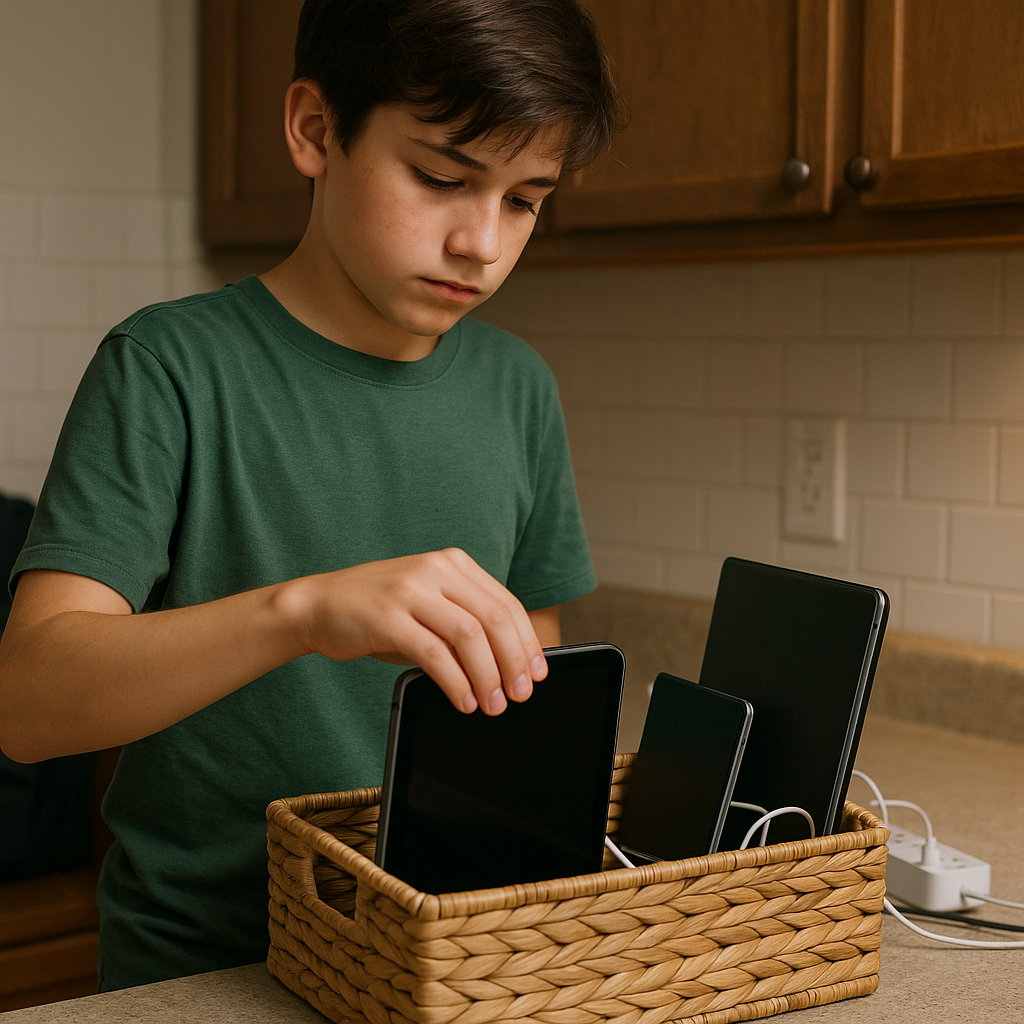
The fix in my house wasn't a lecture. It was a physical place where devices live, like keys. I used a simple charging station in the kitchen, right where backpacks land. Nothing fancy. A power strip, a labeled basket, and enough cables that nobody can claim, "I can't give it to you because it's at 2%." If your kid has a school-issued Chromebook, this is where it goes too. Not as a punishment, just as the normal parking spot.
Then we made the handoff routine painfully predictable. When the timer ends (or when the evening cutoff hits), the device goes on the dock, screen facing down, charging. I ask for it the same way I'd ask for a plate to go in the sink. If they try to hover and keep touching it, I slide the basket a little farther back on the counter. No speech. Just a quiet, physical boundary.
What surprised me: the dock cut down the school-rule testing as well. When my kid knew the Chromebook wasn't theirs to curl up with on the couch after dinner, they stopped trying to sneak a "quick" game site during homework too. The device became a tool with hours, not a companion that follows them from room to room.
If you're worried about emergencies, keep it practical: a basic landline isn't realistic for most of us, but you can make a plan. Our rule is that if a friend needs to reach them, the parent texts me, or they can use FaceTime audio on my phone in the living room. The main point is simple: private access is where limits go to die. Public space gives you a fighting chance without turning you into a detective.
School Tech Limits: Get the Policy in Writing, Then Echo It
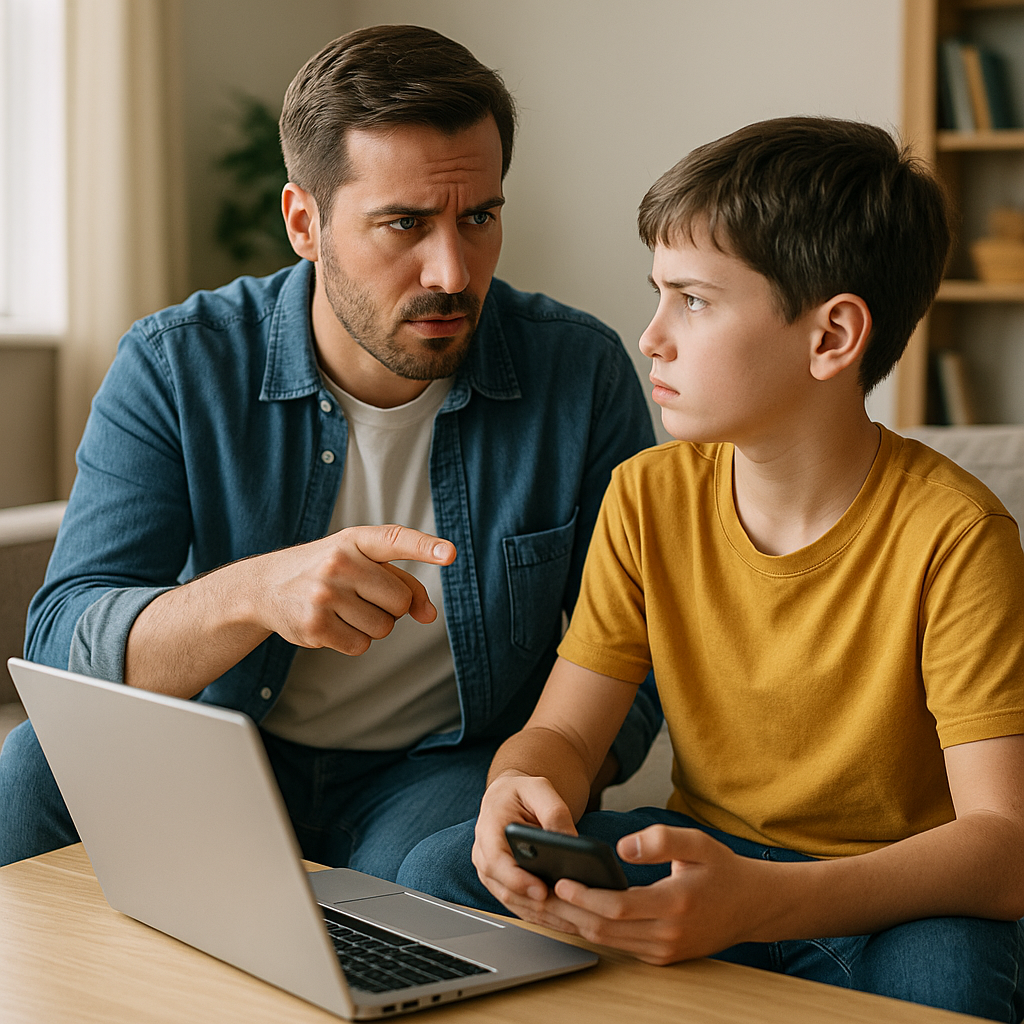
One reason kids push limits so hard is that the rules sound different depending on the building. At home, you're saying, "Get off YouTube." At school, they hear, Open your Chromebook, and sometimes the teacher is using a video as a reward on Friday. The kid's brain files it as: adults don't agree, so I should keep trying.
I got more cooperation once I stopped guessing what the school expected and asked for it plainly. Not in a dramatic way. Just an email to the teacher or the front office: "Can you tell me the classroom expectation for non-instructional sites and personal devices? I'd like to mirror it at home." Many districts already have an acceptable-use policy, and they can point you to it. Some teachers have a one-paragraph tech norm sheet they hand out at back-to-school night. Ask for that. Print it or save it somewhere you can pull up in ten seconds.
Then do the part that feels almost too simple: use the same vocabulary your kid is already hearing at school. If the teacher says devices away or screens down, borrow it. When it's homework time at home, I say, "This is school mode: only the tabs you need, and screens down when you step away." I'm not trying to cosplay as the teacher. I'm trying to make the expectation sound like a standard, not my personal preference.
When the testing shows up as, "But my teacher lets me," you now have somewhere to stand. You can say, "If that's true, we'll ask for clarification in writing." Kids hate that sentence because it removes the fun of arguing with you. And if it turns out there is more flexibility in class than you thought, fine. You can still set a stricter rule at home without making the school the villain: "At school, that's their call. Here, we're doing it this way."
If your child has an IEP or 504 and uses tech supports, this matters even more. Ask which apps or settings are accommodations (text-to-speech, speech-to-text, a specific reading program) and which are just downtime. When you separate those, you stop accidentally fighting about the tool they genuinely need, and you can be firm about the rest without stepping into a swamp every afternoon.